Transferring files
Introduction
Before everything else, keep in mind that Automator is hosted on a remote server that is external to your real desktop computer. We have to see both like 2 different locations. Let’s see how to paste a file on your terminal session.
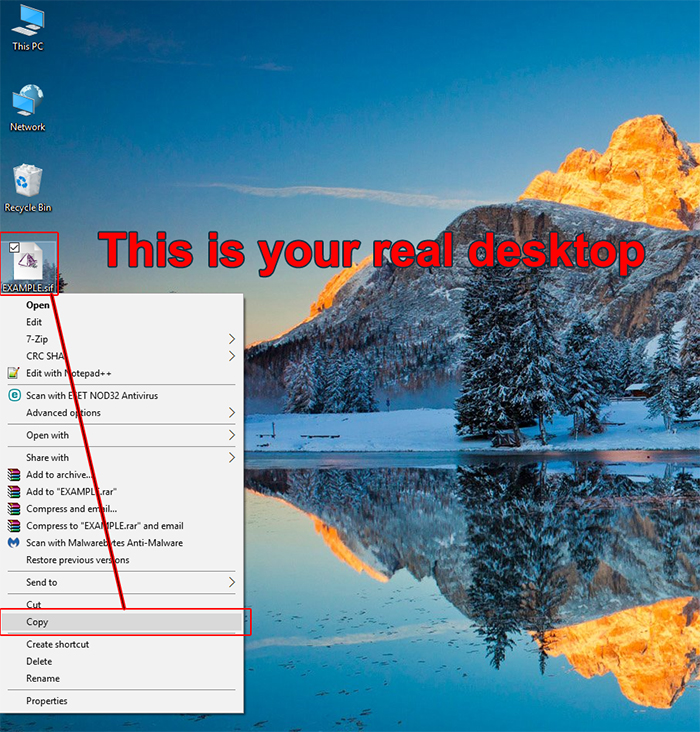
Step 1 | Go on your real desktop and copy the file you want to transfer.
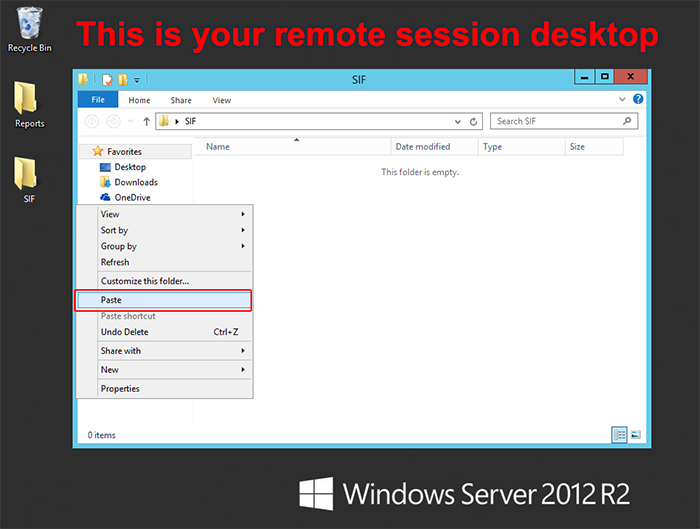
Step 2 Go back to your remote desktop session and paste it wherever you want.
* I suggest you to create some folders on your desktop so you can manage your files and keep a clean structure.
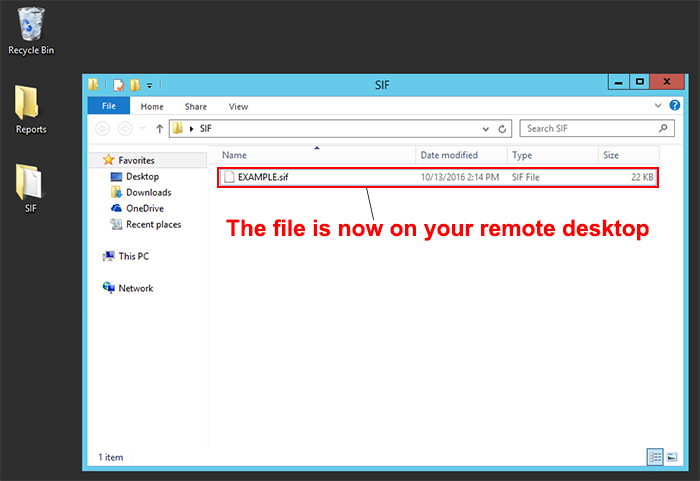
The file is now on your remote desktop.