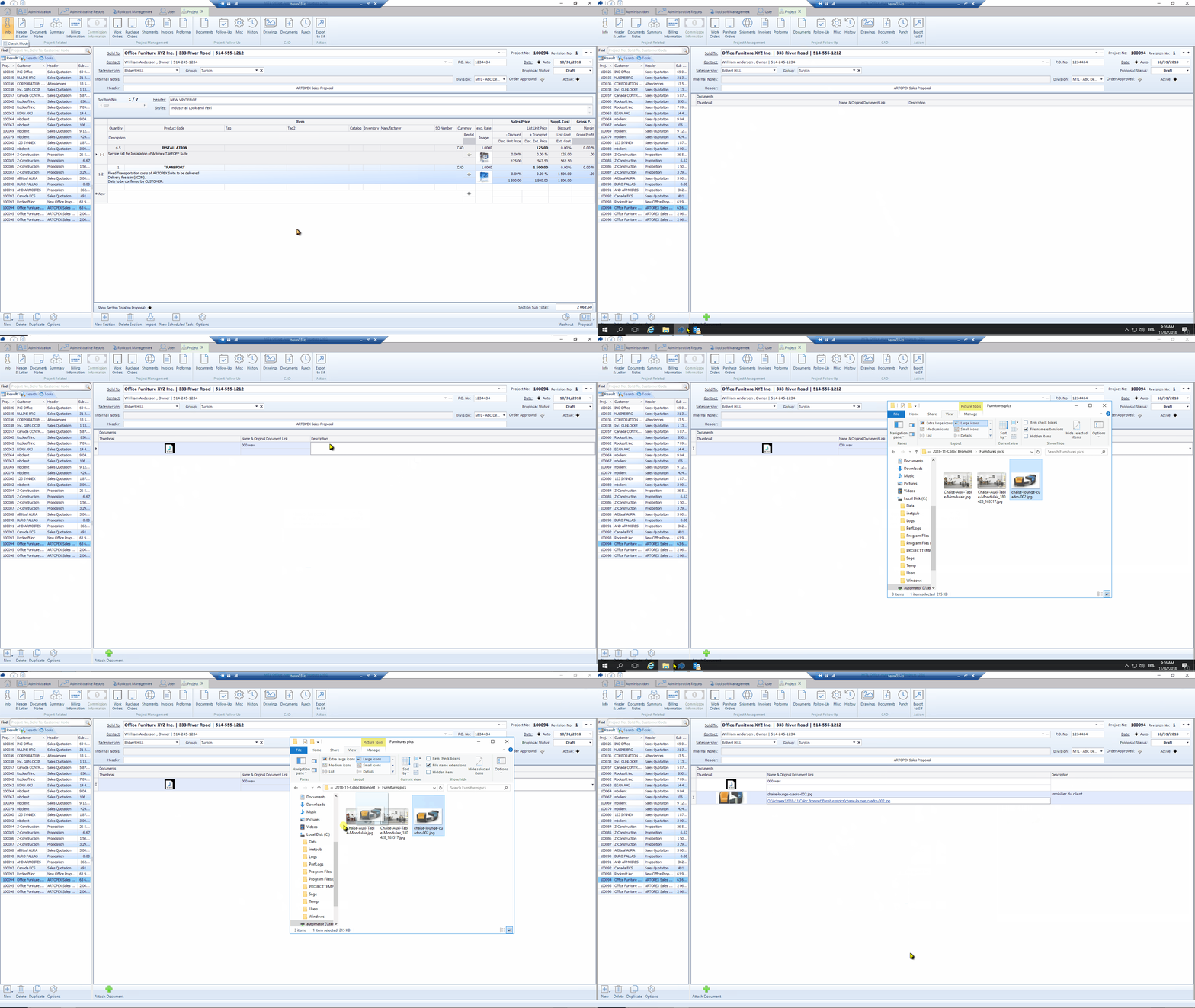
Add documents and emails to a customer profile
You have the ability to easily add documents and emails to a customer profile.
This is allowing you to classify any important elements that you could need in the future.
There’s is a video at the bottom of this topic to give you an overview of the process.
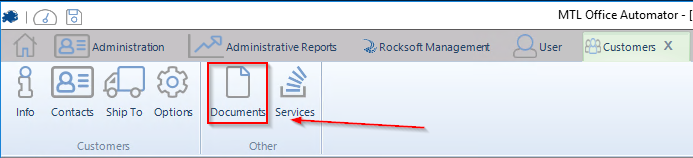
You need to click Documents in the upper menu to see and add documents or emails.
You only have to drag and drop documents or emails directly in the document section.
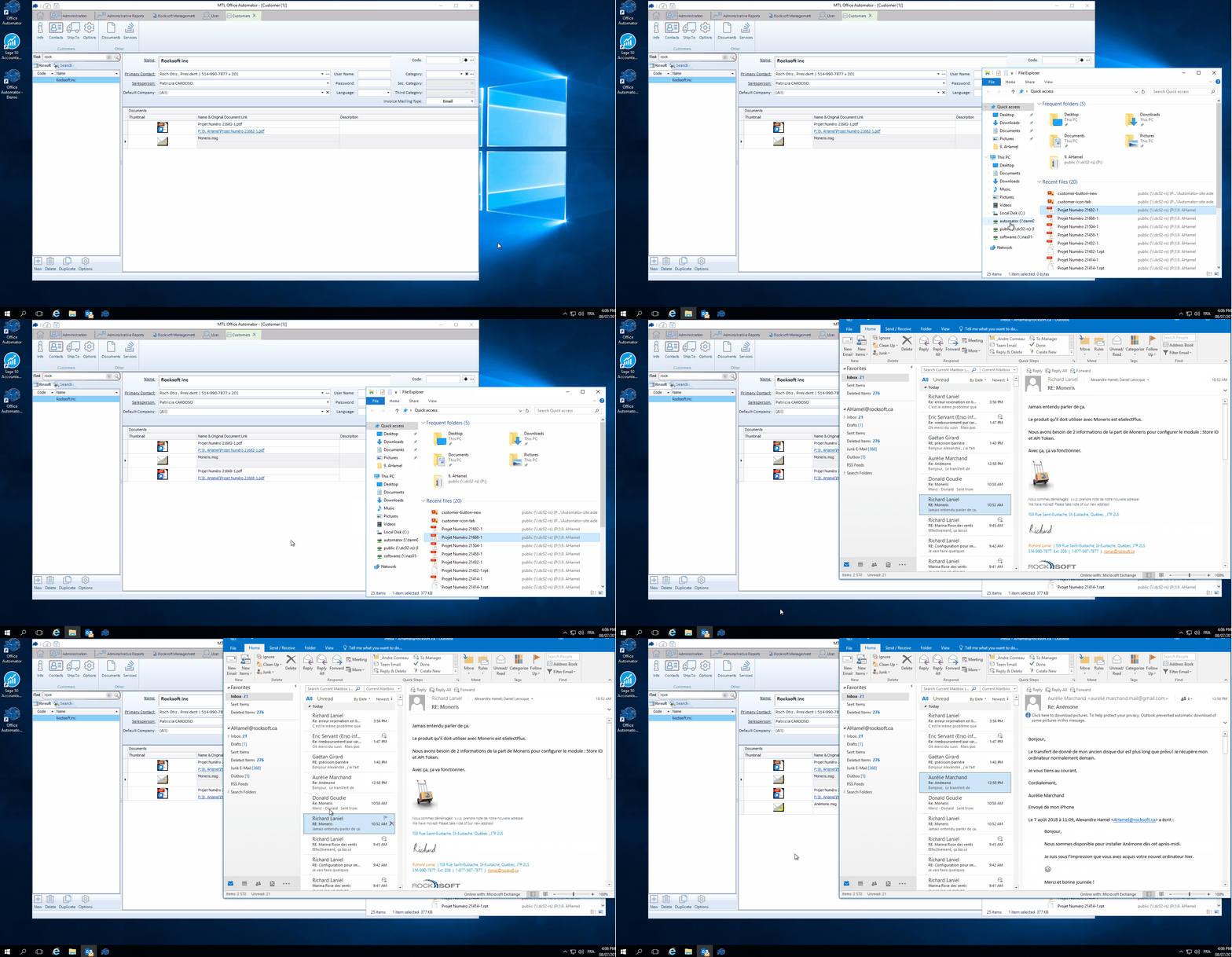
You can click the video below to see a larger version of it.
(Please note the example is showing how to add documents to a quote/project, and it is the same thing for client profiles).