Add none-catalogs items
Introduction
Automator is using Project Matrix’s catalogs. However, some of our manufacturers are not providing catalogs to Project Matrix. Then, we need to create their items manully in the system. Once it’s done, we can then insert the new item into a quote.
Using the “custom” item field
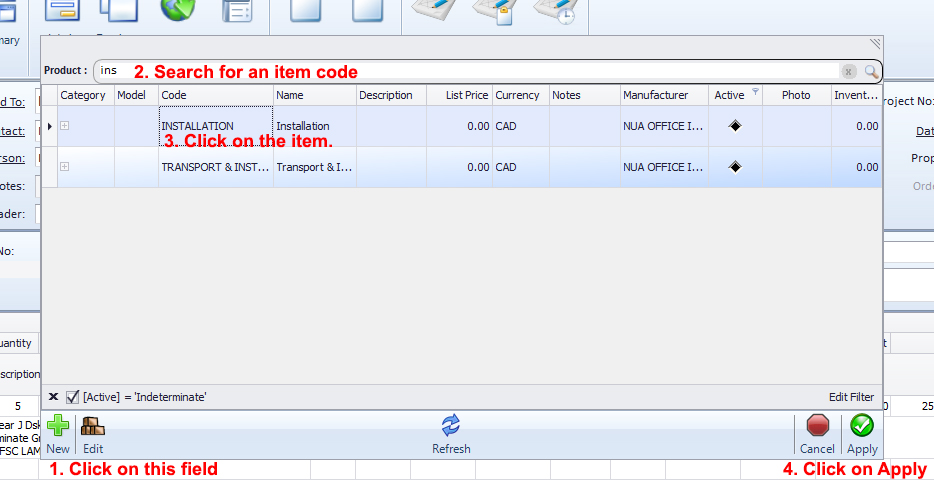
In your quote, click on the 2sd field. A popup menu will appear and show you the available “custom” items already created previously by other users. You can search and select the item you need and click on Apply.
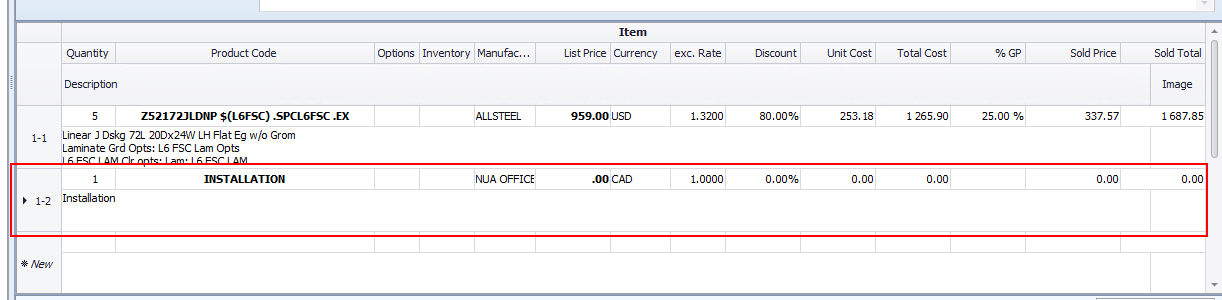
Once we clicked on Apply, the new item line has inserted into the quote. You can then bring the changes you want (list price, description, discount, %GP, etc.)